New Reporting
More filters, share reports with co-workers, new UI.
Reporting
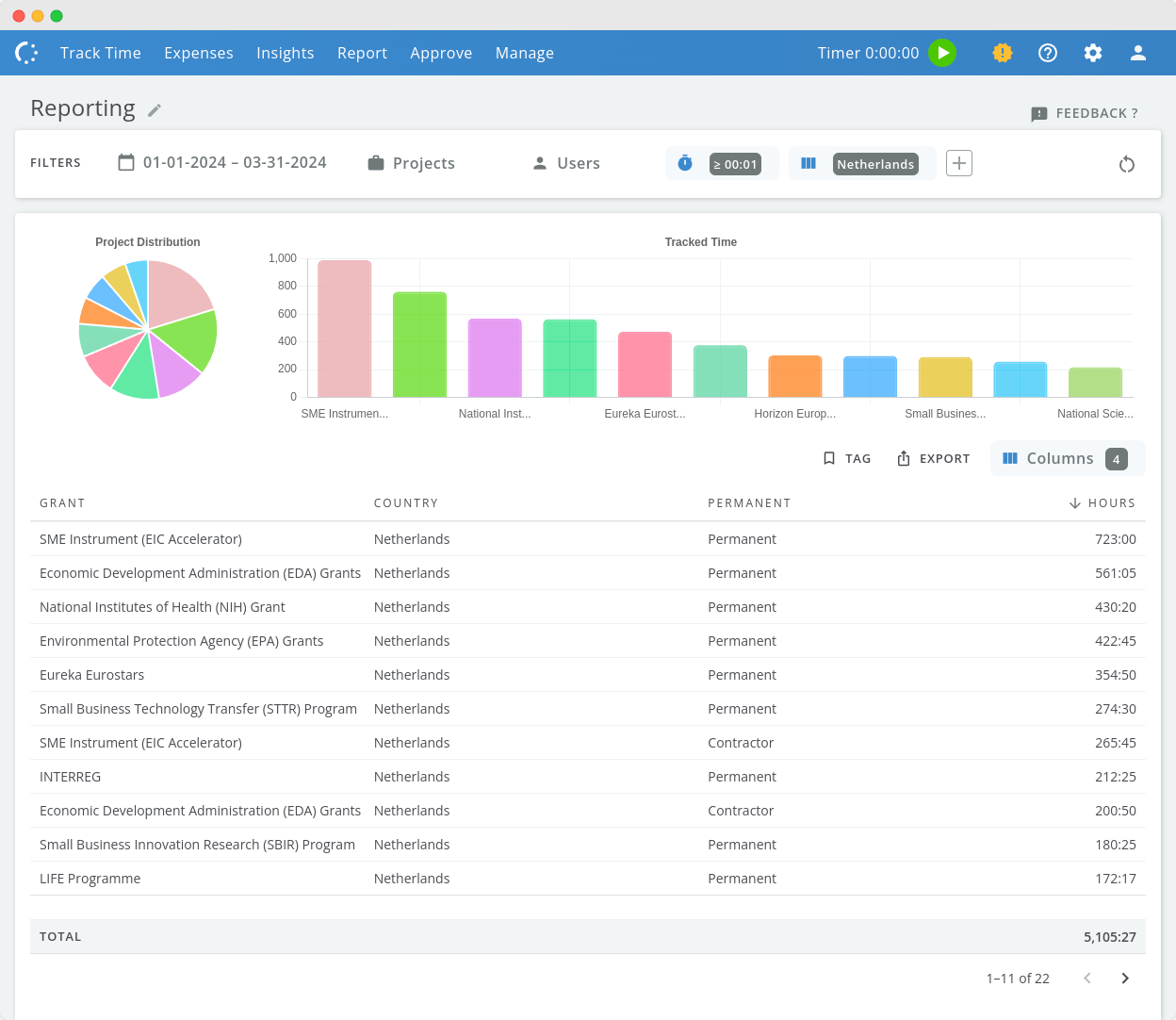
We are pleased to introduce the new and improved reporting feature! This complete rewrite of the previous reporting system makes it easier to create and share the reports you require.
Key improvements include:
- More filters More filter options such as approval status filtering, filter on timesheet comments, minimum hours tracked, custom fields, etc.
- 40+ columns Select any of the 40+ available columns, including all custom fields you may have added. approval status, project budgets, external rates, revenue, margin - it’s all there.
- Selective Tagging Tag hours so you can easily differentiate between invoiced hours and hours exported to other backend systems.
- Bookmarkable Reports Reports can be bookmarked for quick access and easy sharing with co-workers.
- PDF Exports Export your reports to CSV, Excel and PDF (including charts).