All time tracking features in one tool

Keep project time ready for billing and review, with structured timesheets and approved hours that lock before reporting.

A designer finishing his week of hours on a laptop at his studio desk

Time tracking that fits your team

People track time in eHour the way that fits their workday, whether that is a weekly grid, a running timer, a log, or Jira.

  • Fill the Whole Week in One Screen
  • Log as You Go or Run the Timer
  • Track Jira Issues Without Leaving Jira
Discover Timesheets
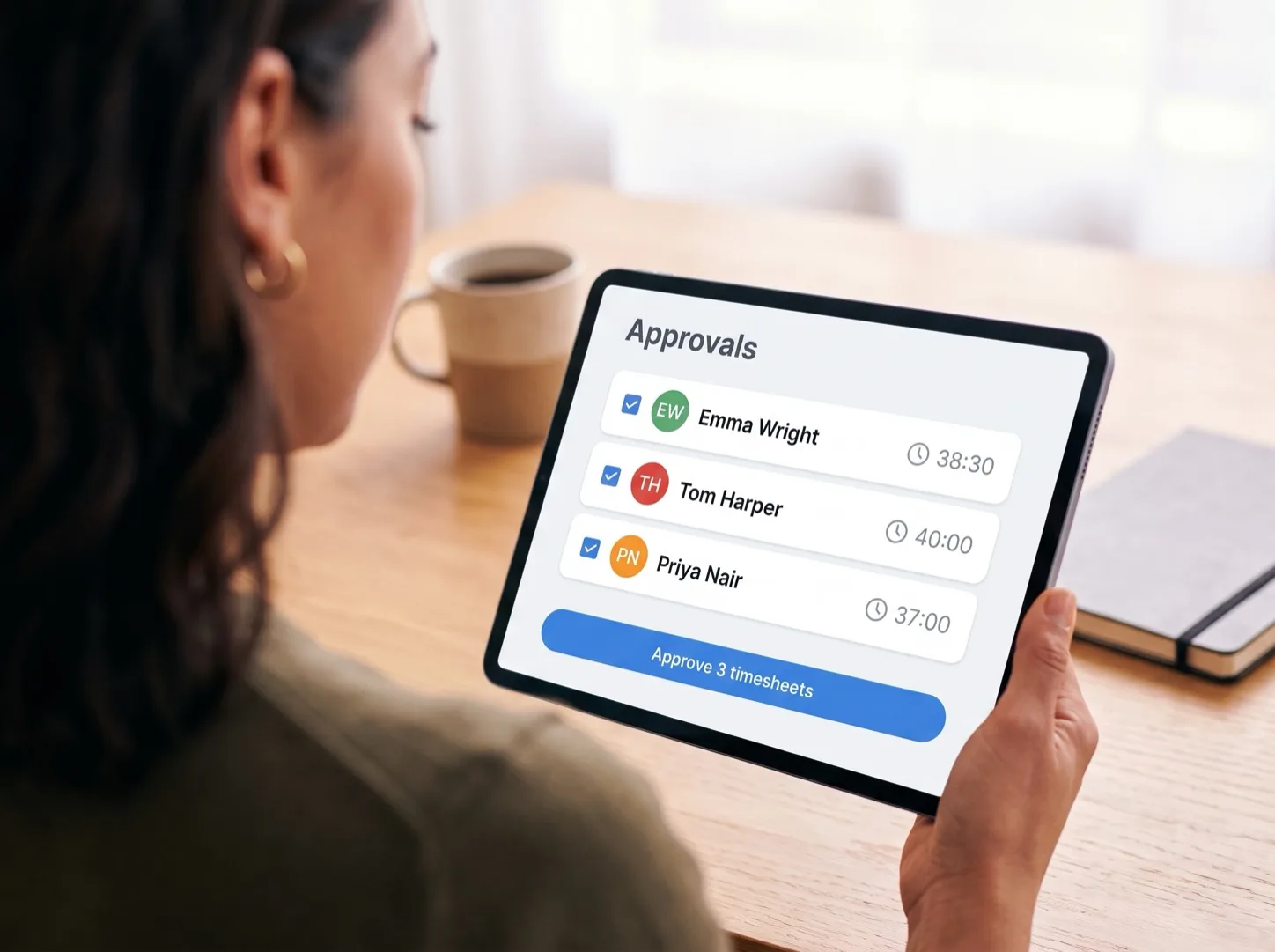
Reviewer approving three selected timesheets in one action on a tablet

Approve and lock time before invoicing

In eHour, timesheets go to the right reviewer automatically. Once submitted, hours are locked and can be approved in bulk.

  • Route Timesheets to the Right Reviewer
  • Lock Submitted Hours Against Changes
  • Invoice and Pay Approved Hours Only
Discover Timesheet Approvals

Billable and non-billable hours

Time budget, by Project

Reports from dashboard overview to custom report

From billable utilization and budget burn to approval status, eHour helps you move from a quick overview to the exact report you need.

  • Spot What Needs Attention in Insights
  • Start From Ready-Made Reports
  • Build, Save & Share Custom Reports
Discover Time Tracking Reports

Connect eHour to the tools you already use

eHour connects to Jira, Microsoft Entra ID with SCIM, Google Workspace sign-in, Power BI, Jortt and the REST API. Every integration is included at no extra cost.

  • Jira Cloud Time Tracking
  • Entra ID & Google SSO with SCIM
  • Power BI, Jortt & the REST API
Discover Integrations

Track hours and expenses on the same project

Expenses in eHour are logged on a project, with receipts, and ready-made reports like Expense Summary and Detailed Expenses show the result.

  • Log Expenses Against a Project
  • Keep Receipts With Each Entry
  • Start From Ready-Made Expense Reports
Discover Expense Tracking

The essentials, across eHour

Role-Based Access

8 role tiers control administration, management, reporting and time tracking access.

Audit Trail

Records time-entry changes and approval actions with user and timestamp.

Automated Reminders

Configurable nudges for submitters and reviewers when timesheets need action.

Project Budgets

Track time and money budgets per project and assignment.

SSO and SCIM

Microsoft Entra ID and Google SSO, plus SCIM provisioning from Entra ID.

EU Hosting, ISO 27001 and 2FA

Data stays in Europe, with ISO 27001 certification and two-factor authentication.

Try eHour free for 14 Days

Set up in minutes. No card, no call with sales.

No credit card required

Access to all features

Takes seconds to get started

Then €4.99 ($5.49) per user per month

Frequently Asked Questions

What features does eHour include?

eHour is time tracking software for project teams that need hours tied to clients, projects, budgets, and approvals. Timesheets include a weekly grid, and approvals can use one- or two-step review. Reports show project profitability, and expenses support receipt capture. Integrations include Jira time logging, Microsoft Entra ID SSO, SCIM provisioning from Entra ID, the REST API, Power BI, and Jortt.

Are all eHour features included in one price?

Yes. eHour has one plan, eHour Complete, at €4.99 ($5.49) per user per month, billed monthly. Every eHour feature is included, with no tiers or add-ons. The 14-day trial gives full access and requires no credit card.

How does timesheet approval work in eHour?

eHour routes timesheet approvals by weekly or monthly period. An administrator chooses project-manager review or a custom workflow with one or two sequential review steps, using named users or supported reviewer roles. Eligible reviewers can batch approve, reject with a comment, reopen eligible completed approvals, and request a user to submit a period. Approved and pending timesheets lock automatically.

What reports does eHour have?

eHour has 14 ready-made reports in 6 groups for time, approval and compliance, utilization, budget, expenses, and revenue and billing. The custom report builder can filter, group, sort, and drill into permitted report data. eHour also has saved and shared reports, scheduled daily, weekly, or monthly email delivery, exports, and Insights dashboards with 20 charts in 6 groups.

Does eHour track expenses?

Yes. eHour tracks expenses against projects on desktop and mobile web. Users can select categories, select configured tax rates, and attach multiple receipts. Administrators can require receipts for new or edited expenses. Expense reports include summary and detail views, processing status, filters, labels, locks, and processing audit trail entries.

Which tools does eHour integrate with?

eHour integrates with Jira, Microsoft Entra ID, Google SSO, SCIM, the REST API, Power BI, Jortt, and external assistants through MCP when an administrator enables it. Jira sends issues and projects into eHour. eHour pushes the logged time back onto the Jira issue.

Does eHour monitor employees?

eHour is time tracking software, not employee monitoring software. It records the hours and expenses people enter against assigned work. eHour does not take screenshots, log keystrokes, track GPS location, or monitor activity. The product also sends a browser Permissions-Policy header that switches off geolocation, gyroscope, accelerometer, and microphone.