October update
Navigate your timesheet like Excel: seamless shortcuts, a smarter comment box, and zero distractions.
Intuitive Keyboard Navigation
Navigating through your timesheet just got a lot easier. Just like in Excel, you can seamlessly jump from cell to cell using your keyboard. Hold down the shift key and use the arrow keys to move around. And if you’re keen on flipping between weeks, the < or > keys (shift + . or shift + ,) have got you covered.
Persistent Comment Box Size
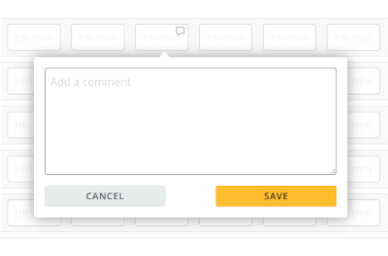
Fed up with constantly resizing the comment box for ample space? Your preferred comment box size will now be remembered every time you log in. Less hassle, more convenience.