eHour Insights
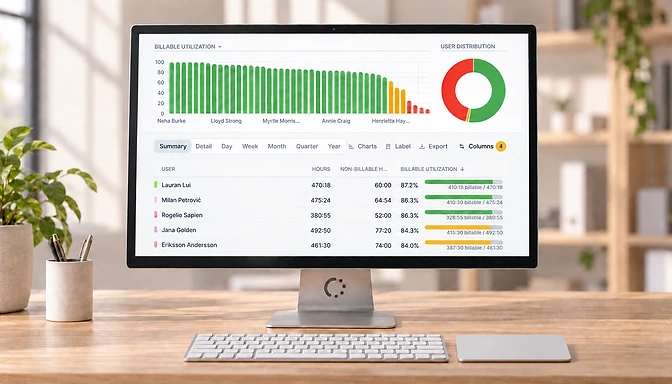
Insights dashboards give you a quick overview of your top projects, top turnover generating clients, utilization rate - all on one screen.
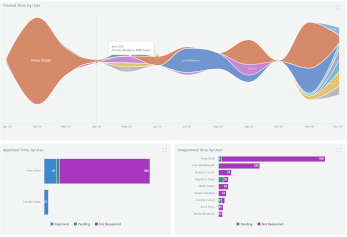
The new Insights dashboards give you a quick overview of your top projects, top turnover generating clients, utilization rate per user, and more - all on one screen. You can create and store your dashboard, combining one or more of the 18 predefined graphs and filtering for specific clients, projects, teams, or users.
Insights is available for users with the “Report on all Hours” role in the top navigation bar, next to reporting.