Timesheet 2.0

Timesheet 2.0

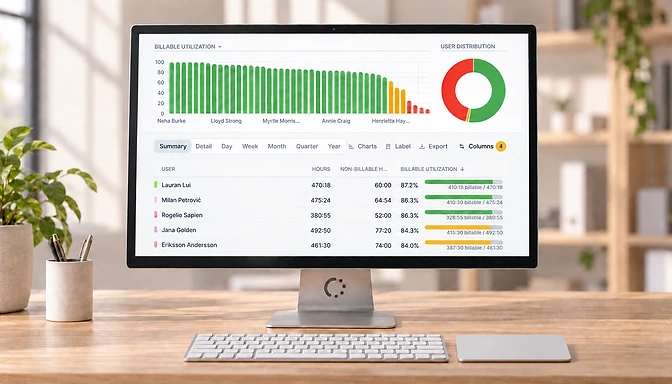
A new logo, a fresh blue, and hello yellow! <br> We rolled out version 2.0 of the timesheet.

We rolled out a new version of the timesheet!

The refreshed design has a clean look, removing any distraction.

The main navigation is week oriented, in line with your timesheet.

The pop-up to add comments now always opens, removing a mouse click if you want to add notes to your tracked hours.

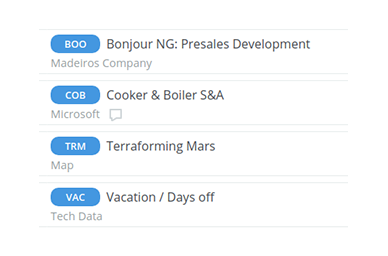
Click on a project name to display all relevant information for that project in a single view.
Related Posts

eHour is now available as a ChatGPT plugin

Track time, run timers, check timesheet submissions and view saved reports directly in ChatGPT.

Read more

More ways to track time in eHour

Record separate pieces of work, review your day, fill in the familiar weekly grid, track time on your phone, or ask an AI assistant.

Read more

Reporting, redesigned from filter to export

Explore time data with richer filters, drill-down reporting, new utilization and profitability columns, shareable reports, and better exports.

Read more