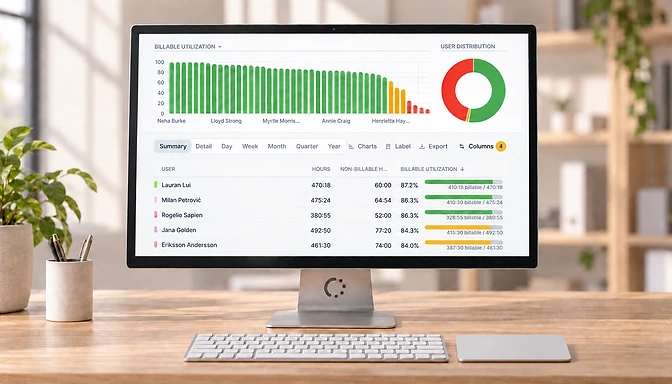
Group report data by day

You can now group your tracked time by day.

You can now group tracked time by day. To do so, customize a report and select Day in the “Group dates by” category. This will summarize all hours per day rather than listing all individual hours.

To list all individual hours, select “Do not group by date” in the dropdown.

Related Posts

eHour versus Toggl Track

Compare eHour and Toggl. Understand the difference between a flexible timer tool and structured team time tracking.

Read more

We've moved to ehour.com

We've moved from getehour.com to ehour.com and gave the entire website a fresh redesign.

Read more

7 Best Harvest Alternatives in 2026

Compare honest pricing, real limitations, and how each tool actually works once your team grows.

Read more