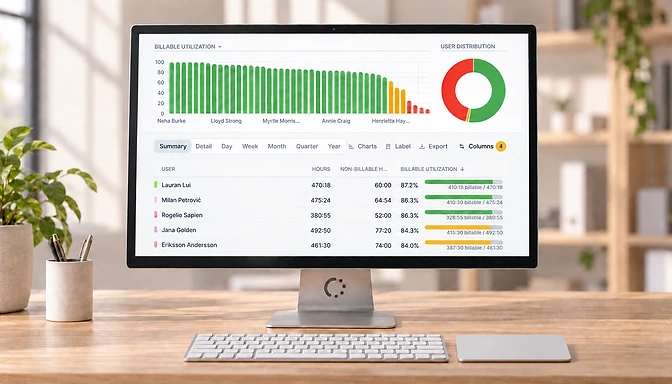
Schedule reports to Email
Schedule any Saved Report to email. To schedule a report for email.
Schedule your saved reports to be delivered by email. Get your report delivered to you by email on a daily, weekly or monthly.
Get a quick overview of hours tracked the previous day, week or month without having to log in.
To schedule a report for email:
- Create a custom report
- Click the ‘Save‘ button in the top left
- Give the report a name.
- Turn ‘Schedule to email’ on.
- Select how frequent you want it delivered: daily, weekly or monthly.