Expenses, redesigned
The Expenses interface now matches eHour's current design, with configurable tax rates that suit different countries and organisations.
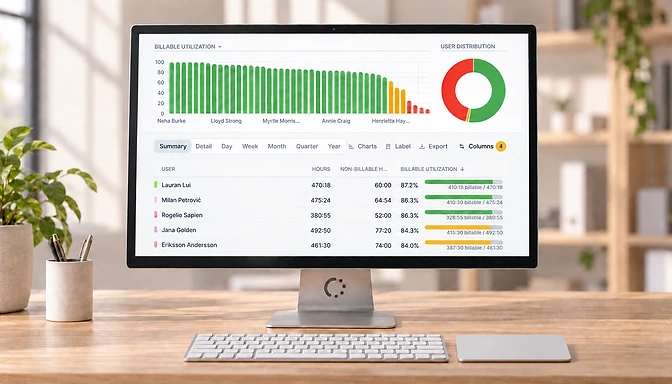
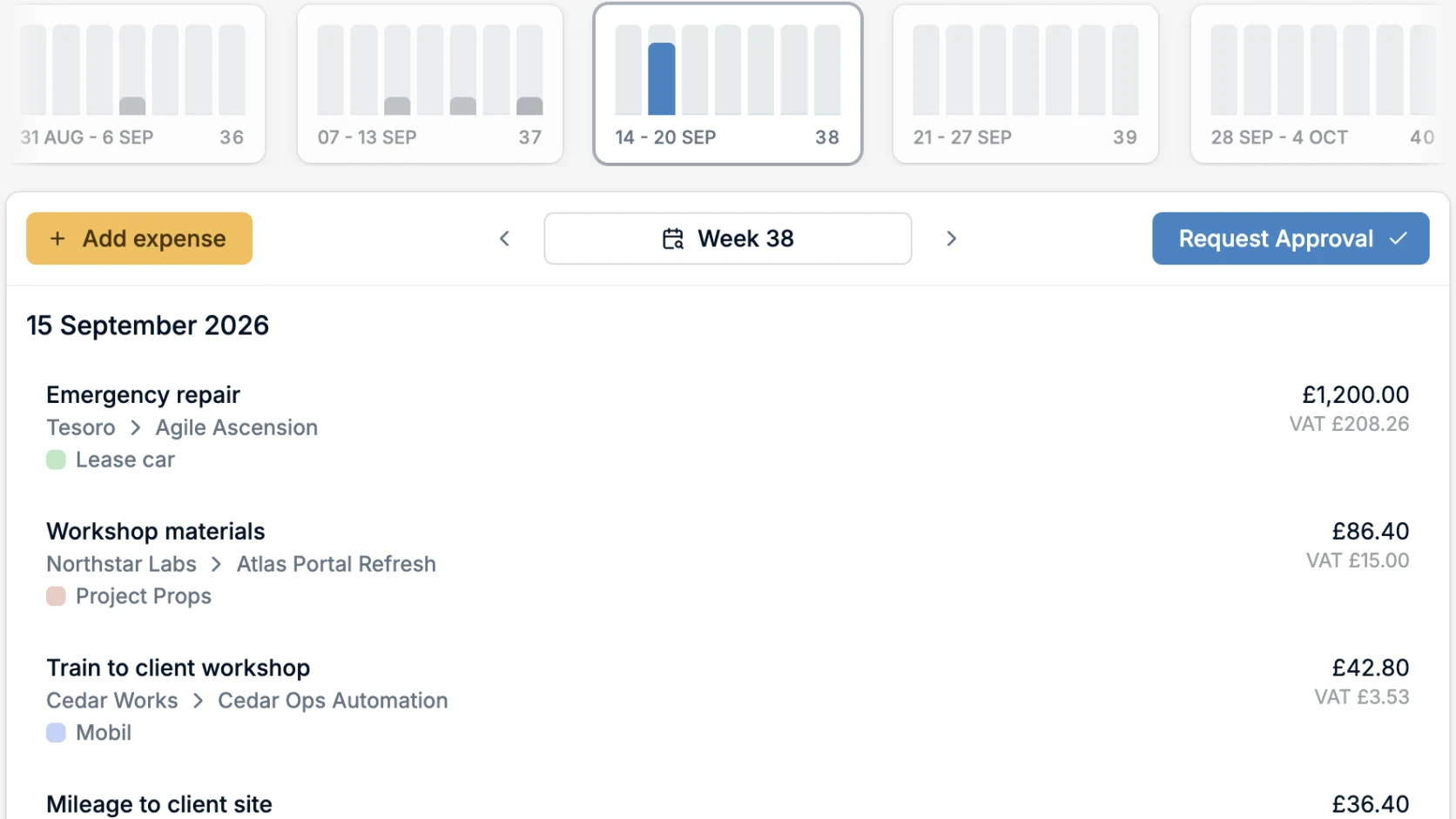
Expenses now use the same design as the updated timesheet and reporting pages. The refreshed interface gives expenses more room on screen and makes the information easier to review.
We have also made tax handling more flexible for organisations working across different countries and tax systems.
Tax calculation without the calculator
When filing an expense, you can now select a tax rate instead of entering the included tax amount yourself. eHour calculates it from the total amount automatically.
Admins manage the list of available rates and can rename the field to match local terminology, whether that is VAT, Sales Tax, BTW, GST, or something else. If tax is not relevant to your organisation, the field can be hidden entirely.
Expense reporting is part of the redesigned reporting experience too, so expense data benefits from the same flexible columns, filters, and export options as time data.
Start a free trial to see how eHour handles expenses alongside your team’s time.