Custom fields & non-billable tasks
Custom task fields and non-billable choices for billable projects, all accessible via API.
Custom task fields and non-billable choices for billable projects, all accessible via API.
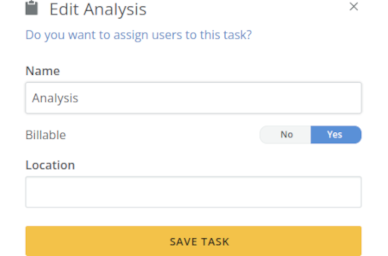
Administrators can now define custom fields for tasks. These custom fields allow you to append extra information to each task and can added to all reports.
You can also now include non-billable tasks within a billable project. These tasks won’t factor into the project’s revenue calculations, ideal for tasks performed within a paid project but not invoiced to the client.
For seamless integrations, both the billable status and custom fields are readily accessible via our API.