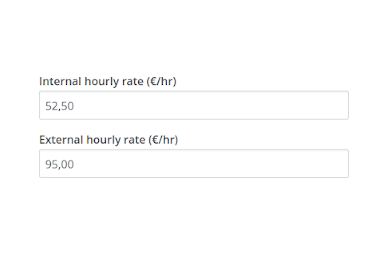
External rate
Calculate your profit by adding an external hourly rate.
When you add a user to a project, you can set an hourly rate. This rate is used for calculating the budget usage. For billable projects the rate is the basis for calculating the turnover.
You can now add a second rate to each user. With this second hourly tariff, you can have an internal rate to calculate cost, and an external rate to calculate turnover.
You can also set a different currency for the second rate, and have the turnover calculated in two currencies automatically.